Supabase source
Receive Supabase database webhook events in Knock to trigger workflows and automate actions based on row-level changes.
The Supabase source enables you to receive Supabase database webhook events directly in Knock. Supabase sends webhook callbacks when row-level changes occur in your database tables, such as inserts, updates, or deletes. Knock identifies the event type and executes the actions you configure.
This integration is useful for building notifications that react to database changes: alerting users when a record relevant to them is created, triggering workflows when data is updated, or automating cleanup actions when rows are deleted.
Knock pre-processes each Supabase webhook to compile the schema, table, and operation into a unique event type (for example, auth.users:INSERT), so you can create targeted action mappings for any table and operation combination.
Prerequisites
#- A Knock account with at least one environment configured.
- A Supabase project with access to the Database Webhooks settings in the Supabase dashboard.
Getting started
#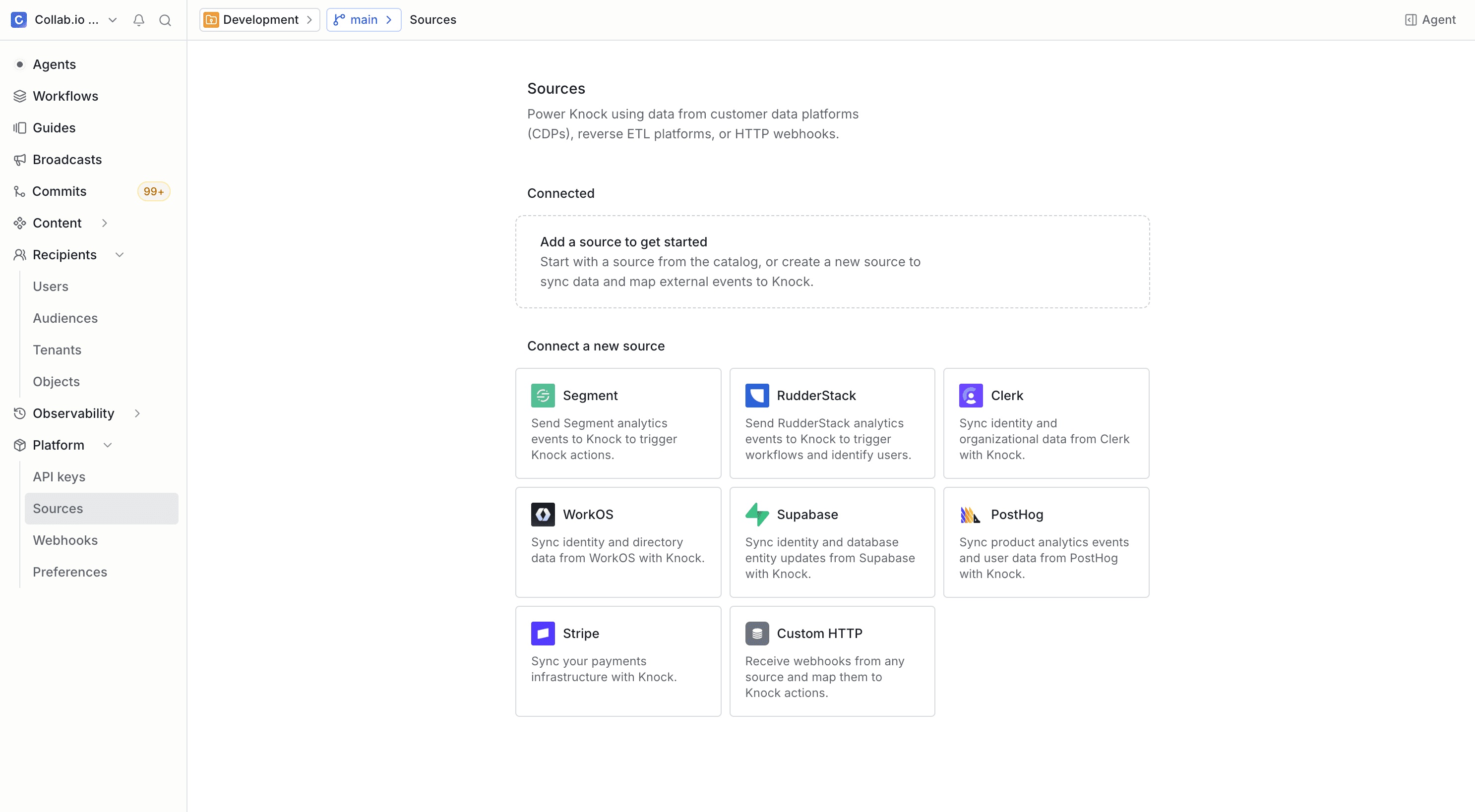
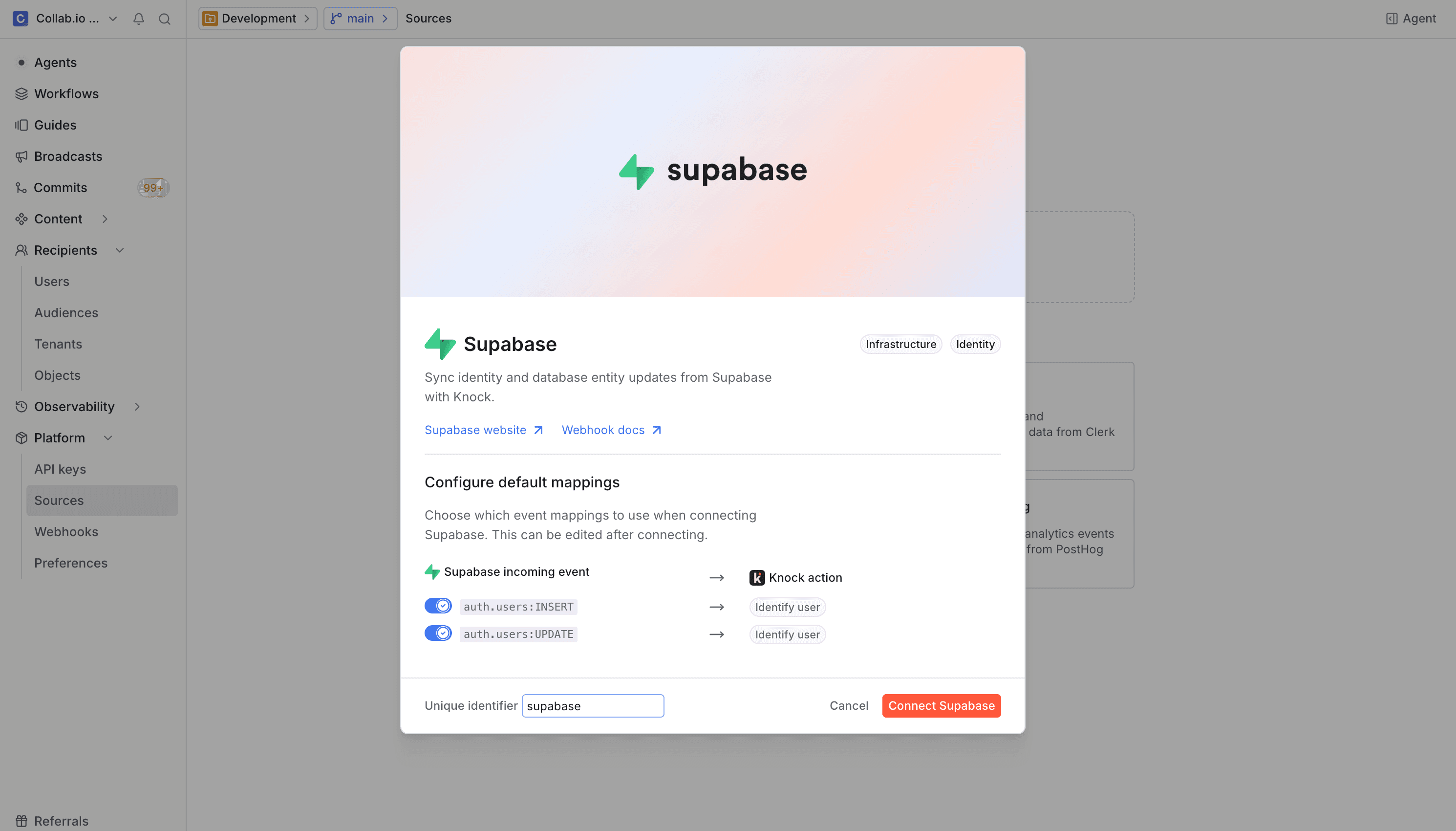
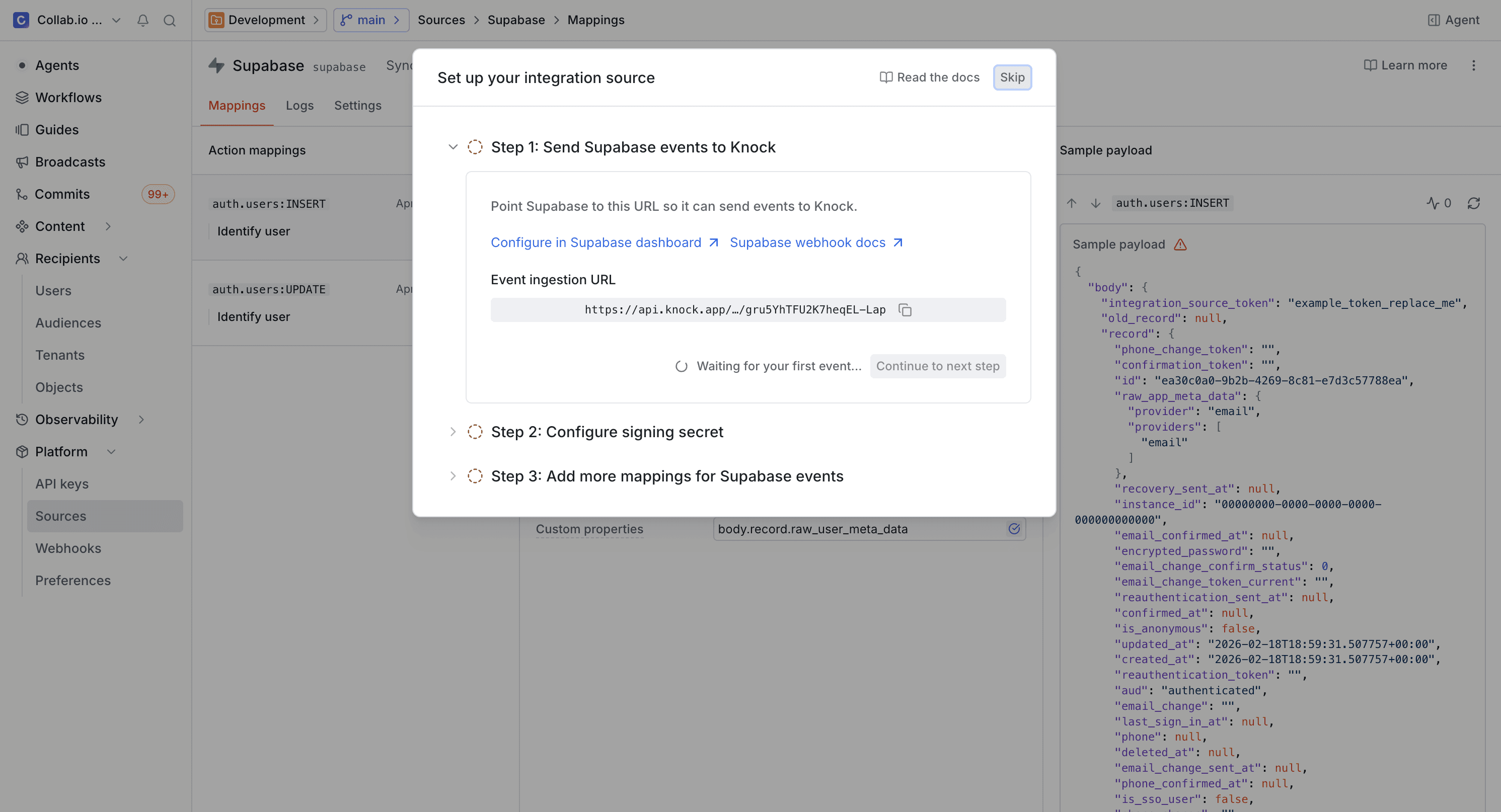
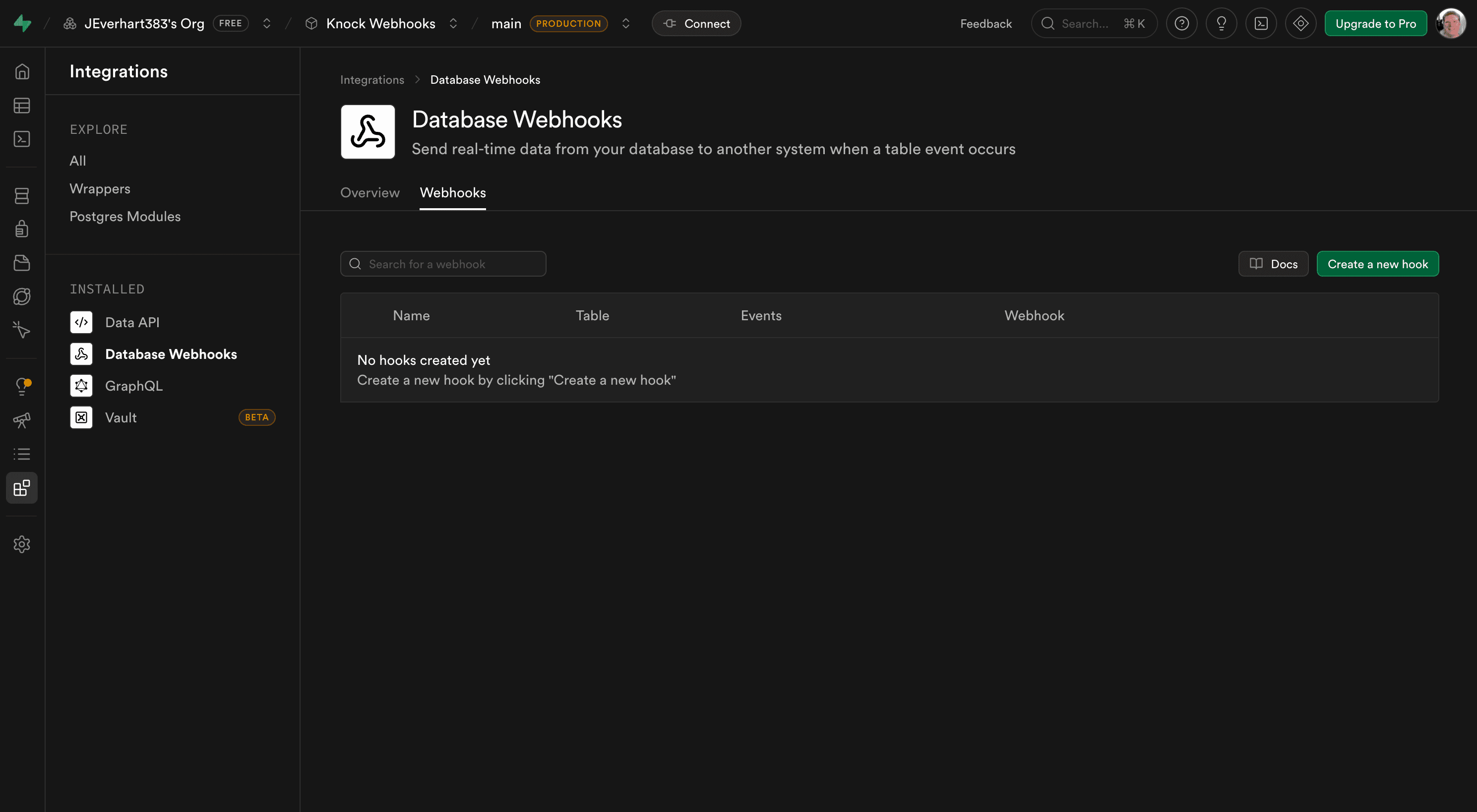
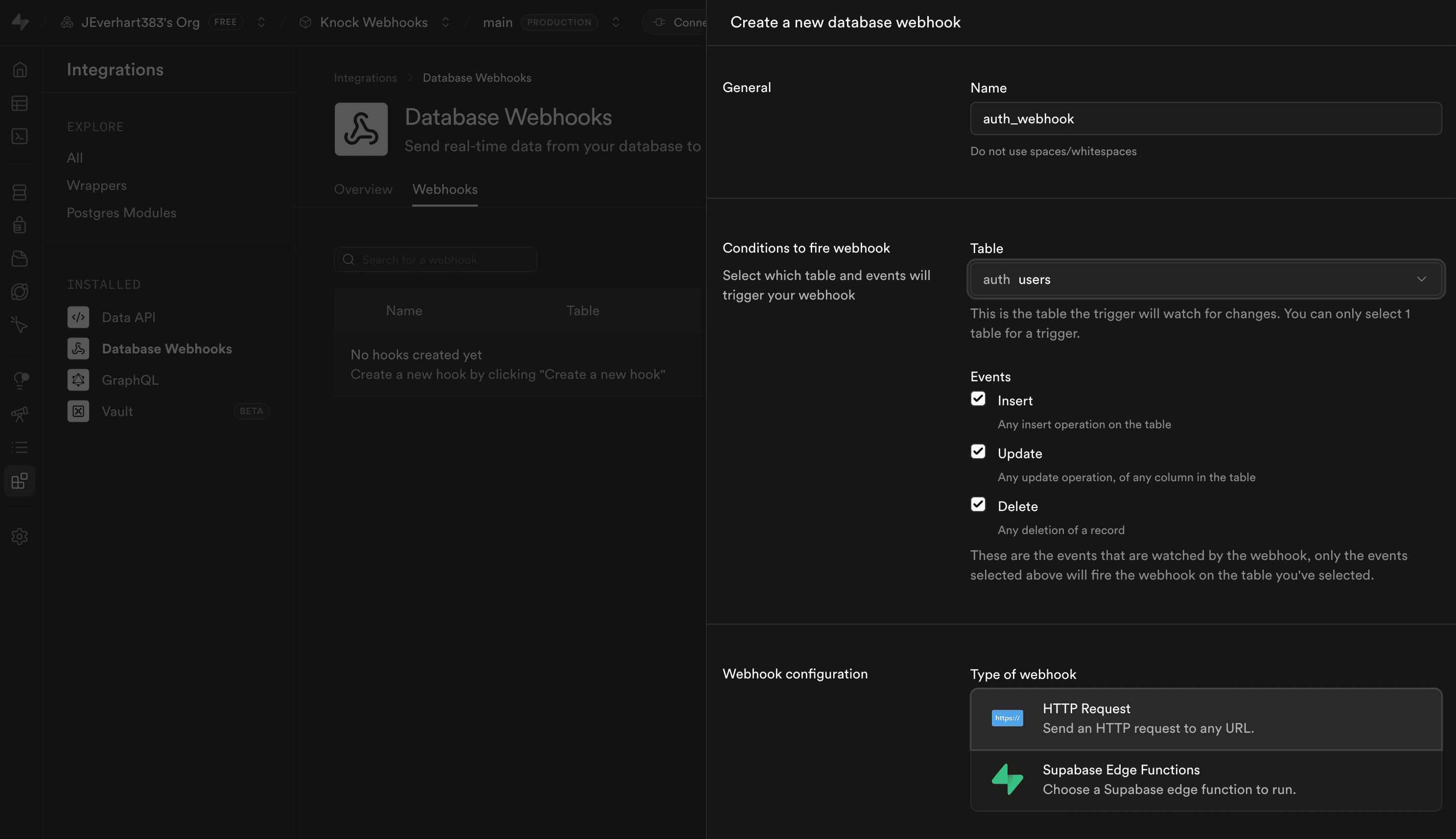
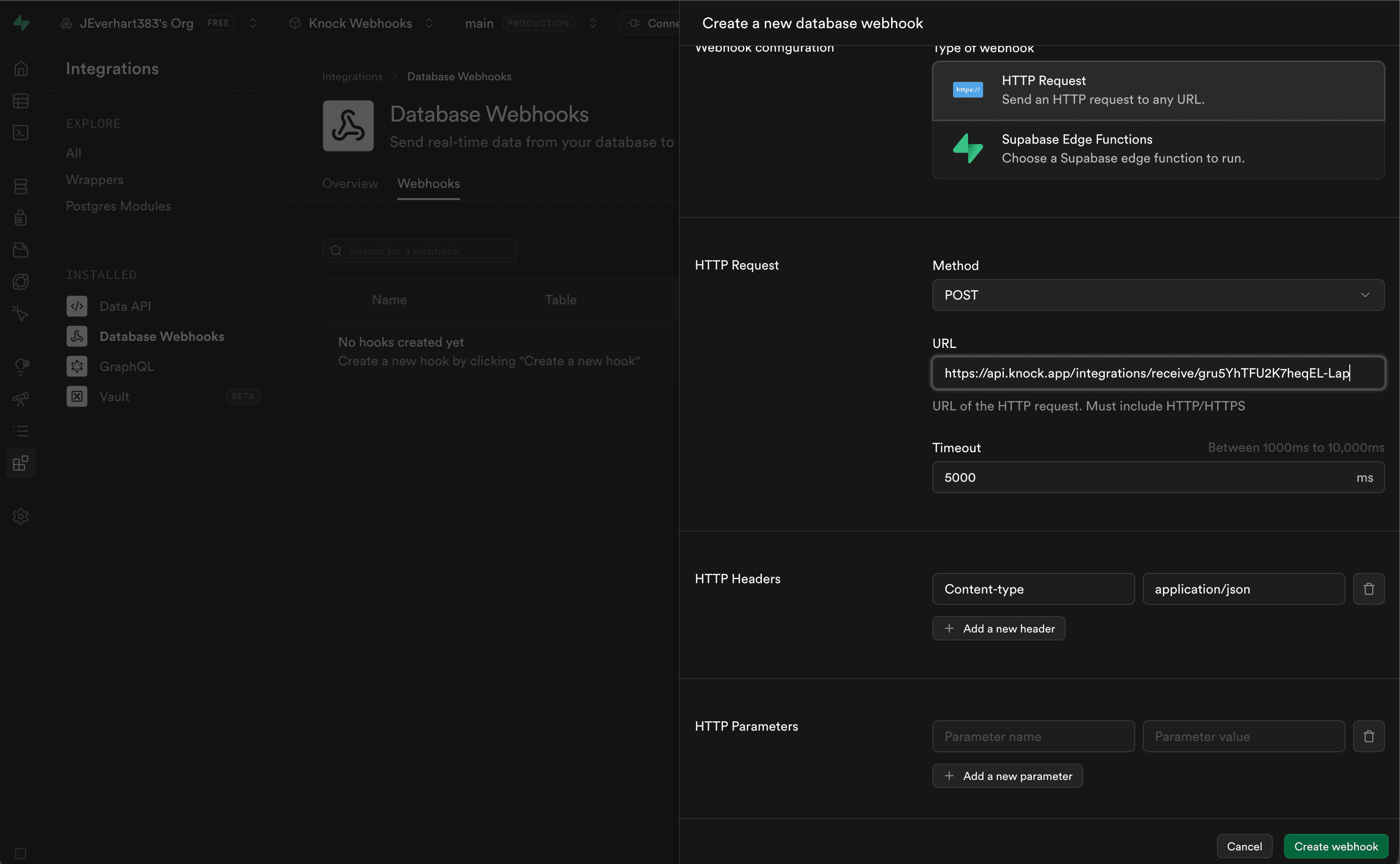
Once configured, Supabase sends webhook events to Knock when the specified database changes occur. You can verify that events are arriving by checking the event logs on the source environment page.
Pre-configured events
#Supabase database webhooks fire based on the table operations you select when creating the hook. Knock pre-processes each incoming payload to compile the schema, table name, and operation type into a single event type using the format {schema}.{table}:{operation}. This enables you to create specific action mappings for each table and operation combination.
The exact event types depend on which tables and operations you configure in your Supabase database webhooks. Each event payload includes the row data (both old and new values for updates). See the Supabase database webhooks documentation for payload structure details. For more on how Knock pre-processes incoming payloads, see the pre-processing section of the custom source page.
Customization
#You can modify the default action mappings or add new ones for any event type Knock receives from Supabase. For details on how field mapping works with dot-notation paths, see the custom source page.
If you need to map Supabase events to actions beyond triggering workflows, see the full list of available actions in the sources overview.
Event idempotency
#Supabase database webhooks do not include a built-in idempotency key. You can enable idempotency checks and configure a key field from the Settings tab in your source environment configuration if your payload contains a unique identifier you want to use for deduplication. Events without an idempotency key attribute are processed normally.
For details on how Knock handles idempotent events, key validation rules, and the default 24-hour idempotency window, see the source event idempotency section of the sources overview.